

Overview
Thirdweb provides a complete onchain application development framework with wallet connection, authentication, and smart contract interactions. By integrating Thirdweb with Base Account, you can leverage Thirdweb’sConnectButton component
while providing users with native Base Account wallet support.
What you’ll achieve
By the end of this guide, you will:- Set up Thirdweb with Base Account support
- Have Base Account available as a wallet option alongside email authentication
- Use Thirdweb’s
ConnectButtonfor a polished wallet connection experience
Installation
1. Create a new Next.js project
2. Install the dependencies
Install the Thirdweb SDK (version 5.118.0 or higher is required for Base Account support):Configuration
1. Set up Environment Variables
Create a.env.local file in your project root:
2. Create the Thirdweb Client
Create a client configuration file:src/lib/client.ts
3. Configure ThirdwebProvider
Create a providers wrapper component and update your layout:Usage
Use Thirdweb’sConnectButton with your wallet configuration:
src/app/page.tsx
3. Run the project locally
You’re done! Run the project locally: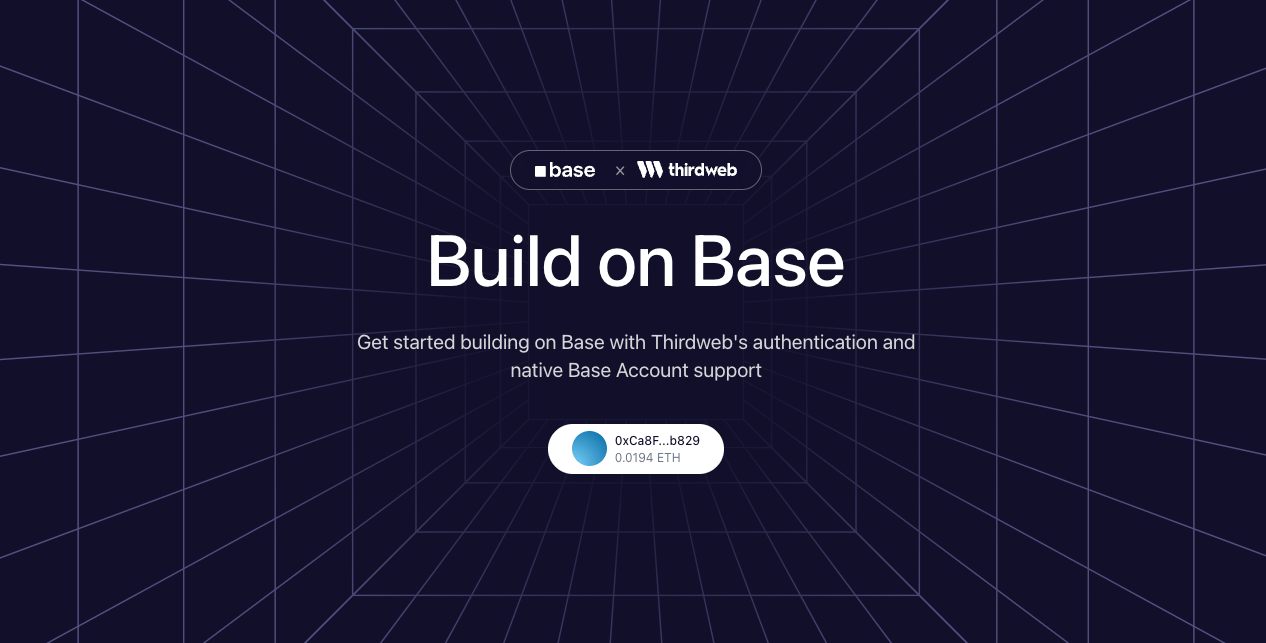
Customization
Wallet Options
You can customize which wallets appear in the connect modal:Theme
Customize the appearance usinglightTheme or darkTheme:
Chain
Change the default chain by importing fromthirdweb/chains: